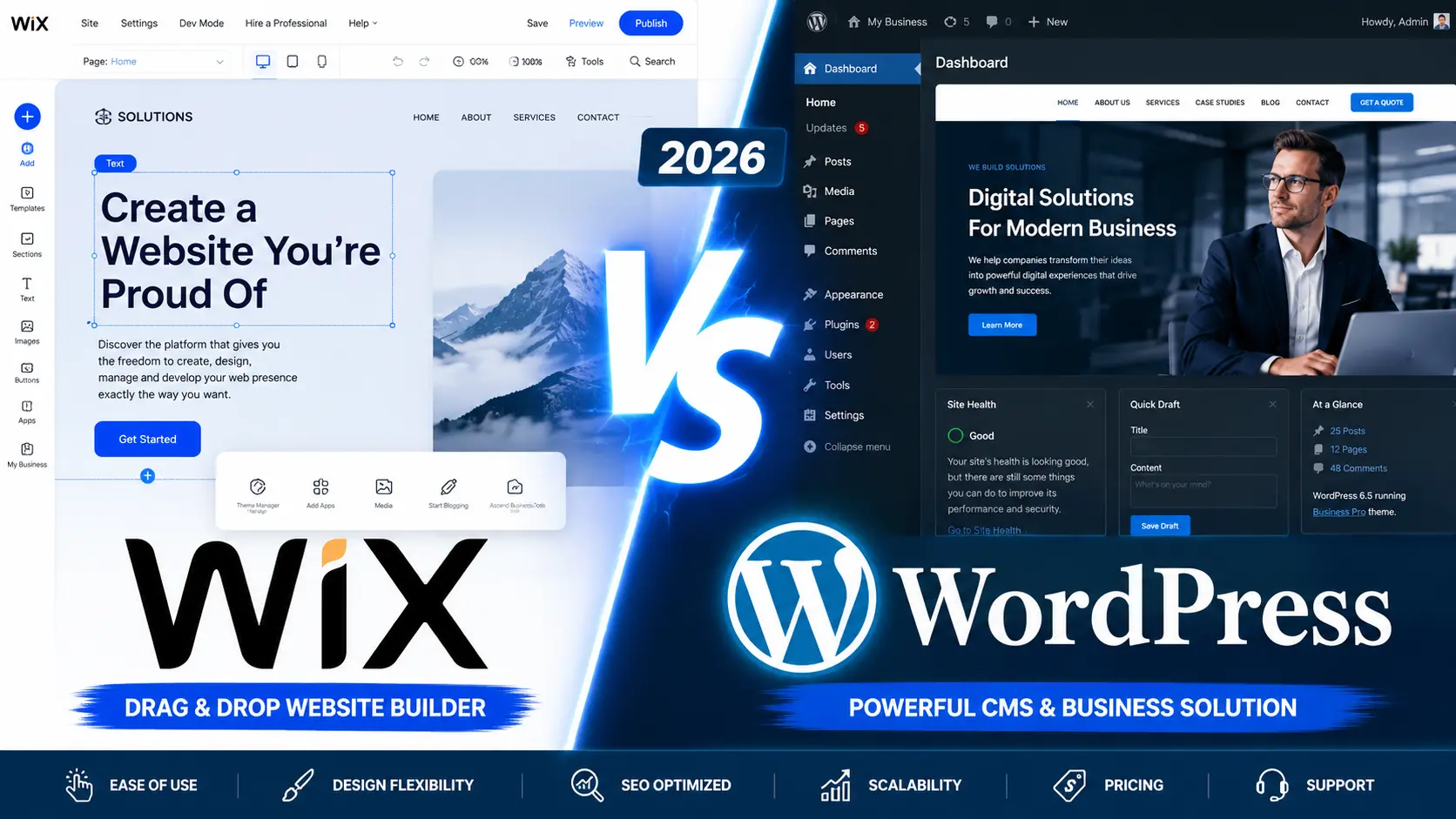
Wix vs WordPress for Small Business: Which Platform Is Better in 2026?
At some point, every small business owner has to pick a website platform and live with it. Wix and WordPress keep coming up as two obvious options, which always leads to two questions: do you go with the tool that’s incredibly easy to use right out of the box, or do you invest in the platform that gives you total control over your digital future?
For a long time, the advice was just to compare features. But in 2026, finding the right answer for your business means looking at where you want to be three to five years from now.
Here is the quick answer: For most growing small businesses, WordPress is the better long-term choice. It offers stronger SEO capabilities, total ownership of your site, and better scalability. However, if you have zero technical experience and just need a simple brochure site that does nothing fancy, Wix might be exactly what you need.
Let’s break down exactly how these two content management system compare when it comes to SEO, pricing, customization, and getting your business noticed online.
Table of Contents
Wix vs WordPress for Small Business: At a Glance
| Feature | WordPress | Wix |
| Ease of Use | Moderate | Excellent |
| SEO Control | Excellent | Good |
| Customization | Unlimited | Limited |
| Scalability | Excellent | Moderate |
| Design Flexibility | Excellent | Good |
| E-commerce | Excellent | Good |
| Ownership | Full Ownership | Platform Dependent |
| Long-Term Cost | Lower | Higher |
| Best For | Growing Businesses | Beginners |
What Is Wix?
Think of Wix as renting a fully furnished apartment. You don’t have to worry about the plumbing, the electricity, or the foundation. You just walk in, arrange the furniture, and start living.
Wix is a “hosted website builder,” which means they handle everything behind the scenes. According to W3Techs data, Wix holds about 4% to 6% of the content management system market share. You build your site using their drag-and-drop interface, and they take care of the hosting, security, and updates.
The Pros:
- You can launch today: The beginner-friendly interface means you can literally have a site live in a few hours.
- No maintenance headaches: You’ll never have to update a plugin or worry about server configuration.
- Everything is included: Hosting, SSL certificates, and templates are all baked into your monthly fee.
The Cons:
- You don’t own your house: If you ever outgrow Wix, you can’t easily export your site to another platform. You essentially have to start over.
- Customization limits: You are restricted to the tools and features Wix allows in their ecosystem.
What Is WordPress?
If Wix is renting an apartment, WordPress is buying a plot of land and building a custom house. It is a completely open-source Content Management System (CMS), which is why it currently powers roughly 43% of the entire internet.
With WordPress, the software itself is free, but you have to buy your own “land” (web hosting) and “address” (domain name). Because it’s open-source, developers all over the world create themes and plugins for it, meaning you can build literally anything you can imagine.
The Pros:
- Total ownership: You own everything. You can move your site to any host, at any time.
- Unlimited customization: With tens of thousands of plugins, if you want a feature, there is a way to build it.
- Unbeatable scalability: From a one-page local business site to a massive e-commerce empire, WordPress grows with you.
The Cons:
- The learning curve: It’s not as intuitive as Wix. There are more menus, settings, and technical concepts to grasp.
- You’re in charge of maintenance: You (or your developer) are responsible for keeping plugins updated and ensuring your site remains secure.
Wix vs WordPress for Small Business SEO
For most businesses, a website is a marketing tool first and foremost. If people can’t find you on Google, your design doesn’t matter.
Why WordPress Wins for SEO
When it comes to Search Engine Optimization, WordPress is widely regarded as the gold standard. Why? Because you have total control over the technical foundation of your site.
If you want to rank in a competitive local market, you need lightning-fast load times. With WordPress, you can configure lightweight setups (like GeneratePress and LiteSpeed Cache) to perfectly optimize your Core Web Vitals. You have absolute control over your server speed, schema markup, URL structures, and internal linking. Plus, plugins like Yoast SEO or Rank Math act as an on-call SEO assistant right in your dashboard.
How Wix SEO Has Improved
A few years ago, SEO professionals wouldn’t even look at Wix. Today? It’s a completely different story. Wix has made massive improvements. You can easily edit your meta titles and descriptions, customize URLs, set up 301 redirects, and integrate with Google Search Console.
For a basic local business, Wix’s native SEO tools are generally “good enough.” But if you plan on running a heavy content strategy or fighting for highly competitive keywords, you will eventually hit a ceiling with Wix.
Winner: WordPress
The Real Cost: Wix vs WordPress Pricing
Many business owners look at the upfront pricing and assume Wix is the cheaper option. But let’s look at the long game.
Wix Costs
Wix operates on a subscription model. You pay a monthly fee that covers your hosting and platform access, which in theory, is okay for a small business owner just starting out. But as your business grows, you’ll likely need premium features/apps from the Wix marketplace (for things like advanced forms, bookings, or marketing tools). If you want to sell products, you have to upgrade to a higher-tier plan. Those cost per month can go as high as $159 per month.
WordPress Costs
WordPress itself is free, but you need to pay for hosting, which can be as cheap as $5-$10 a month and can be as expensive as the highest Wix plan and even more, so it depends on what you want, but for most businesses a $30-$50 per month hosting is probably enough. You also have to purchase your domain name and renew ownership every year. You might also choose to buy a premium theme or a few paid plugins.
However, because the WordPress ecosystem is so massive, there is a free, high-quality plugin for almost everything. Over a three-to-five-year period, running a professional WordPress site is often significantly cheaper than paying for a high-tier Wix subscription.
Winner: WordPress
Which Platform Is Easier to Use?
If your main goal is getting a website up and running in a short period without having to go through the trouble having to get your hands dirty like you’d do with WordPress, Wix is the clear winner here.
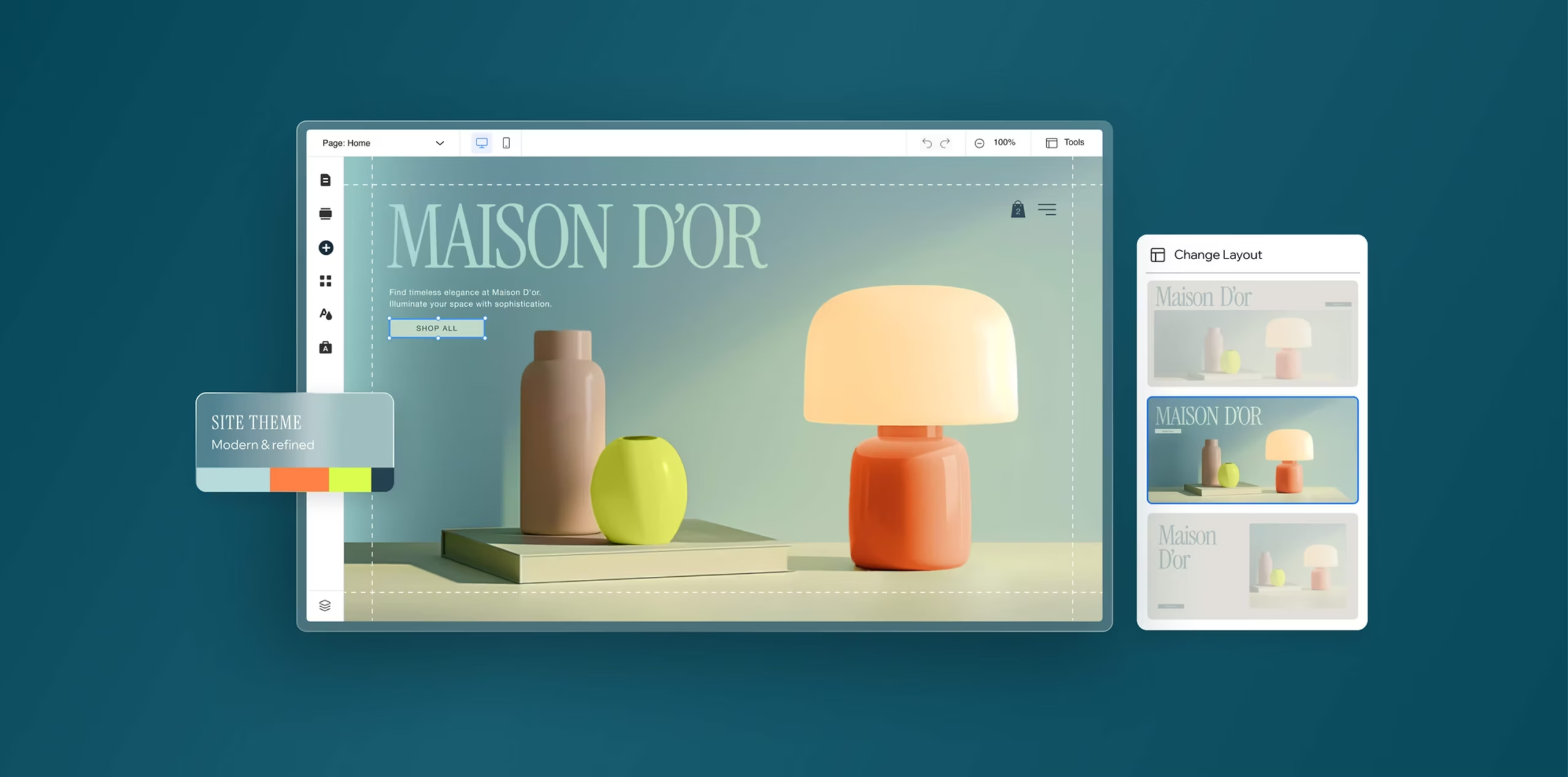
Wix was built specifically for people who don’t know how to code. The visual, drag-and-drop editor shows you exactly what your site will look like as you build it. You just click an element, drag it where you want it, and hit publish.

WordPress, on the other hand, separates the “backend” (where you create content) from the “frontend” (what your visitors see). It takes a little time to learn how themes, plugins, and the block editor work together.
Winner: Wix
Wix vs WordPress for E-Commerce
If you plan to sell products online, your platform choice becomes even more critical.
If you are a local service business that just wants to sell a handful of branded t-shirts or simple digital downloads, Wix Stores handles that beautifully. It’s easy to set up and manage inventory right from your dashboard.
But if e-commerce is the core of your business, WordPress (paired with the WooCommerce plugin) is the undisputed champion. WooCommerce allows you to build massive product catalogs, implement complex shipping rules, offer subscription boxes, and customize the checkout experience to match your exact brand.
Winner: WordPress
When to Choose Which Platform
So, how do you make the final call?
Choose Wix if:
- You have zero technical experience and no budget for a developer.
- You need a website launched in a matter of days.
- Your website is mostly for validation (e.g., a simple portfolio or brochure site).
- You want a completely hands-off experience where maintenance is handled for you.
Choose WordPress if:
- You want to dominate your local SEO rankings.
- You expect your business to grow and evolve over the next few years.
- You want absolute ownership and control over your digital assets.
- You need specific, custom features (like client portals, advanced booking, or custom databases).
Final Verdict
For most serious small businesses looking to compete online in 2026, WordPress is the stronger investment.
While Wix offers a fantastic, frictionless start, business growth often demands flexibility. Starting with a properly built, high-performance WordPress site means you will never have to worry about outgrowing your platform or migrating your data down the road.
Frequently Asked Questions (FAQ)
Is Wix or WordPress better for SEO? WordPress is better for advanced SEO. While Wix handles basic SEO well, WordPress gives you complete access to your site’s code, server speed optimization, and advanced schema markup tools.
Can I move my Wix website to WordPress later? Yes, but it isn’t easy. Because Wix is a closed platform, you can’t simply export your site. You will likely have to rebuild the design and manually copy over much of your content.
Is WordPress harder to use than Wix? Yes. WordPress has a steeper learning curve because it is so incredibly powerful. However, once a site is properly built and handed over, day-to-day tasks like publishing blog posts are quite simple.
Which platform is cheaper for small businesses? WordPress is usually cheaper over the long term. While you pay for hosting separately, the abundance of free plugins means you aren’t paying monthly subscription fees for every new feature you want to add to your site.